

💎Pro Tip | “Translate to” in Docs AI Companion | Community
Skip to main content
sofix001
Employee
Employee
December 5, 2024
Question

💎Pro Tip | “Translate to” in Docs AI Companion

  • December 5, 2024
  • 2 replies
  • 6 views

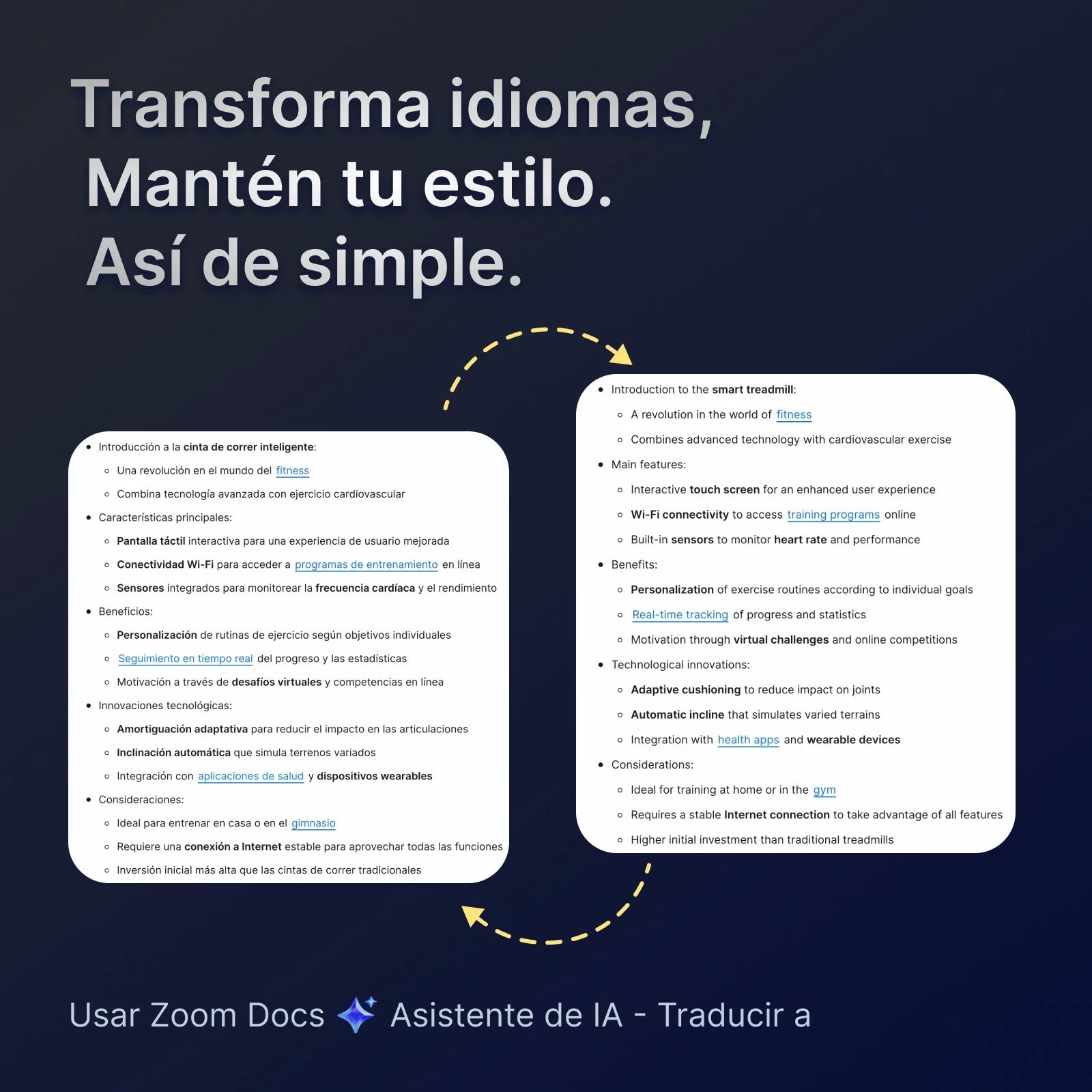
💎Zoom Docs AIC - "Translate to"


  • Keeps Styles Intact: Translates text while preserving the original formatting.
  • Built-In Convenience: Works seamlessly within Zoom Docs, no need to switch tools.
  • What's different: Delivers formatting accuracy unmatched by ChatGPT, Notion, or Google Translate.


    How to use this feature?

    Select the text -> select AI Companion star icon -> click “Translate to"


    👇Drop a note in below to let us know what you think of it!


2 replies

Community Champion | Customer
December 13, 2024

Is this a current feature or an upcoming feature?


Can you link to a support article that explains more?


Thanks.

sofix001
Employee
sofix001Author
Employee
December 17, 2024

Hi @Frank_TB , please you can find how to use 'Translate to' from Docs AI Companion from here: https://support.zoom.com/hc/en/article?id=zm_kb&sysparm_article=KB0076449

Soph

Zoom Docs PM