


Be in the Same Room with Immersive View
By now, with most of us doing hybrid work (or 100% remote), we are already running out of ideas to drive engagement and make virtual meetings enjoyable.
This is also true for the Operations Director that I met yesterday. We had a very serious conversation about their account’s usage, metrics and adoption of the Zoom platform. The tone changed when I shared our new features and the session ended on a positive note when I showed him how the Immersive View works.
Zoom’s Immersive Scenes make you and your team feel like you’re in the same room, even when you’re not. This brings everyone into a consistent virtual environment, whether it’s a boardroom, classroom, or cafe which makes the meeting more fun because you can communicate more naturally, feel much closer with your team, and get more tasks done.
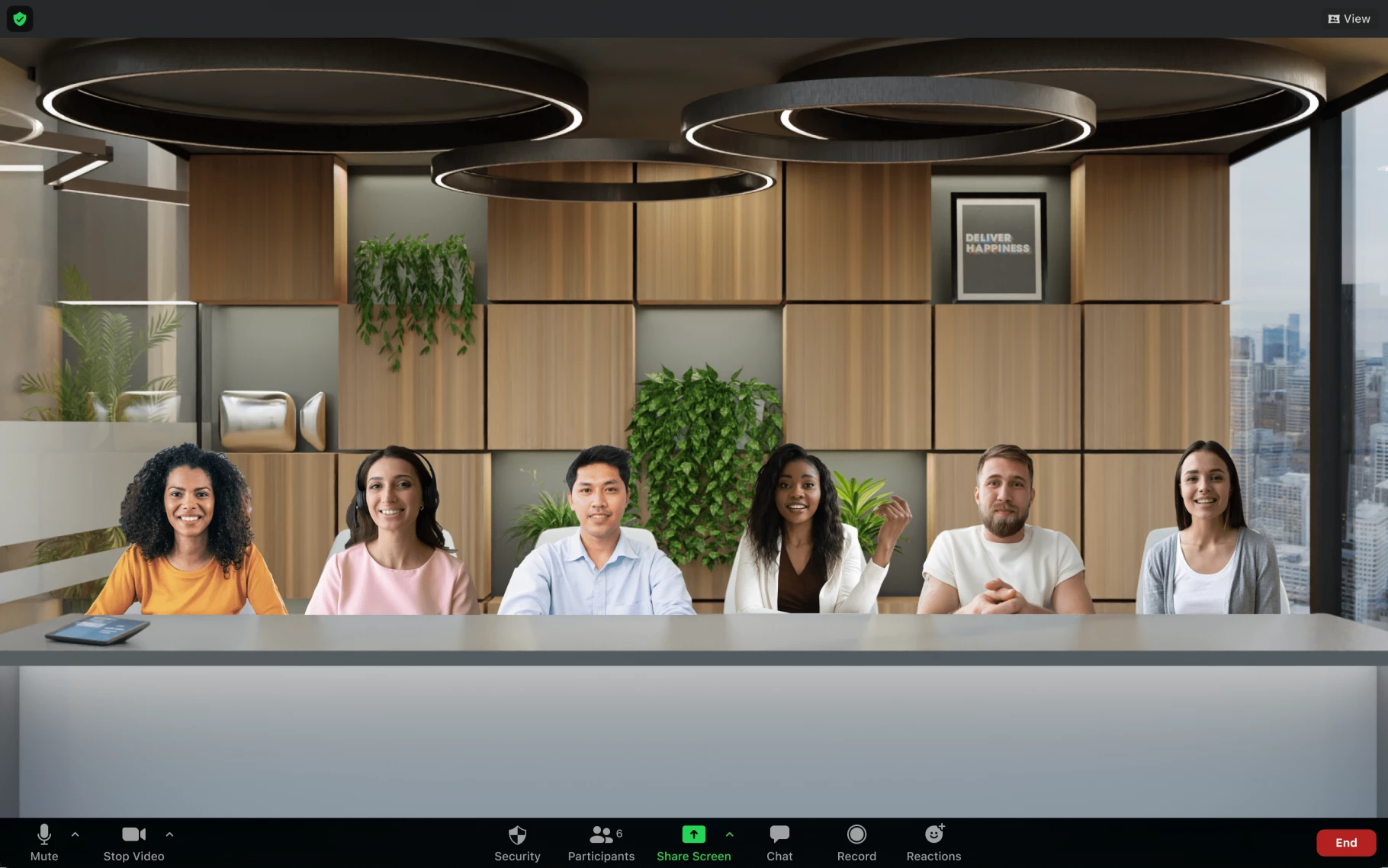
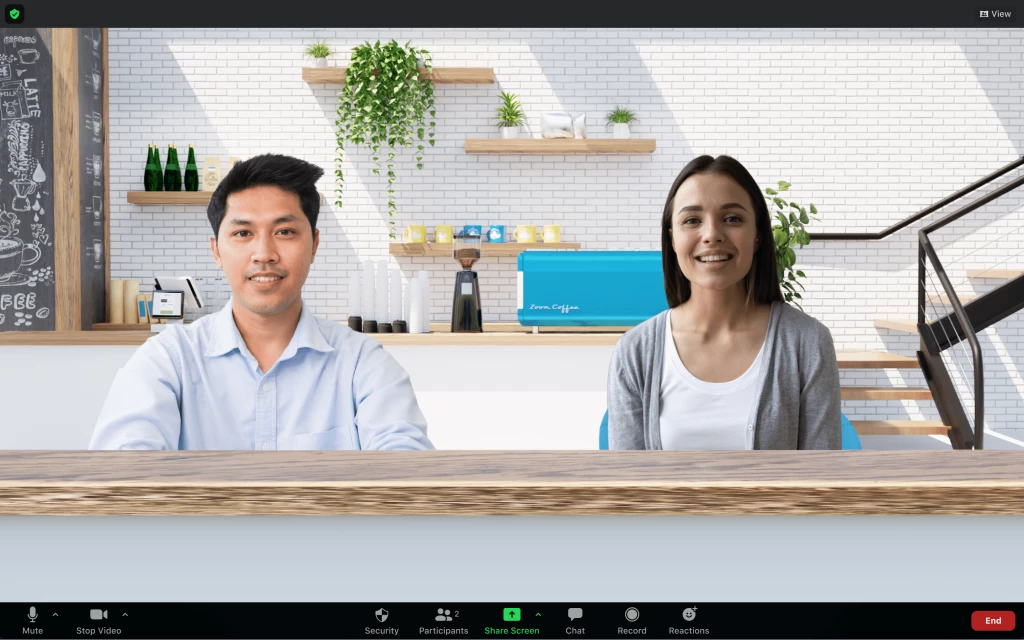
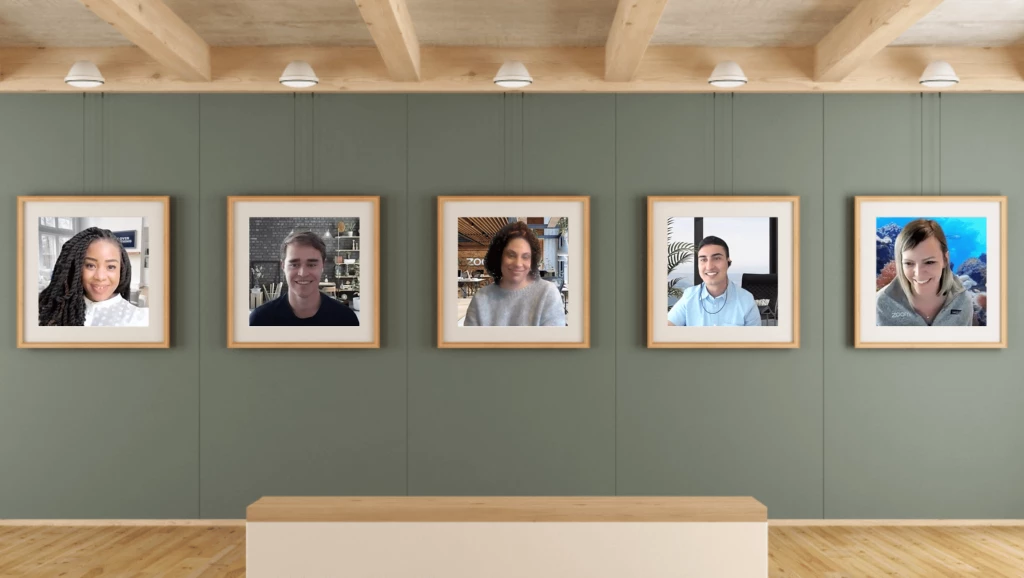
While we’ve provided a few scenes to get you started, you can also upload a custom scene to align with your company’s branding. Hosts can easily change the scene or revert back to Speaker or Gallery View at any time too.

When I switched our view to Immersive, the customer was so delighted and said that he’ll try this at their Friday meeting since they’ll be having a game night to which I responded, “Please do. You can either surprise or scare them. 😀”
Immersive View is not a very new feature as this has been initially announced at Zoomtopia 2020 and yet, a lot of customers aren’t aware that this cool feature exists. Up until now, I still get smiles, positive feedback and good vibes when I end my account reviews with Immersive View.
It's definitely one of the simplest ways to create a fun, cohesive, and collaborative virtual space for your meeting or webinar. An oldie but a goodie indeed!
What’s your favorite Immersive View experience?