Routing on Proficiency | Community
Skip to main content
Newcomer
April 11, 2026
Question

Routing on Proficiency

  • April 11, 2026
  • 1 reply
  • 18 views

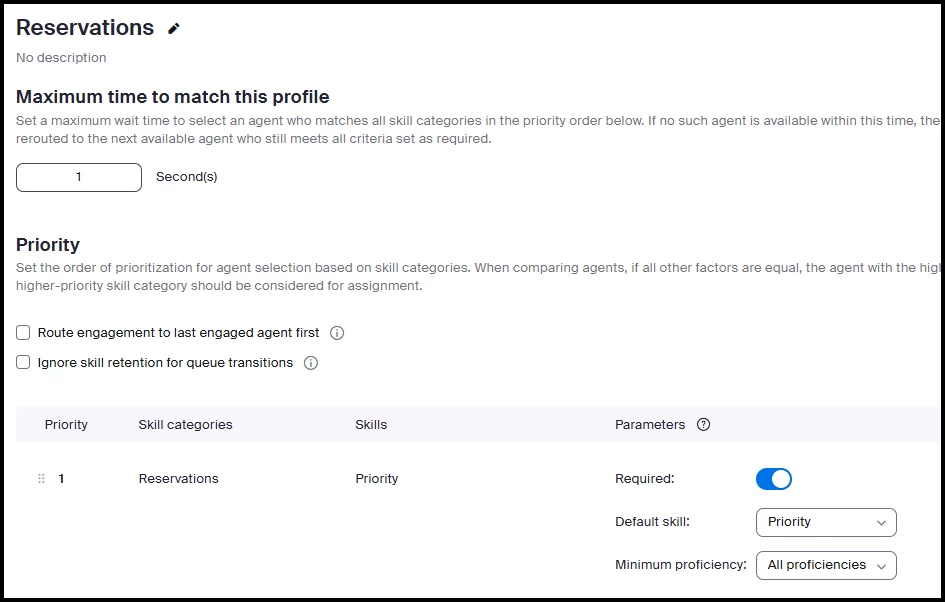
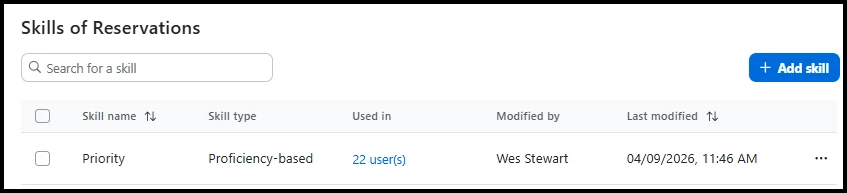
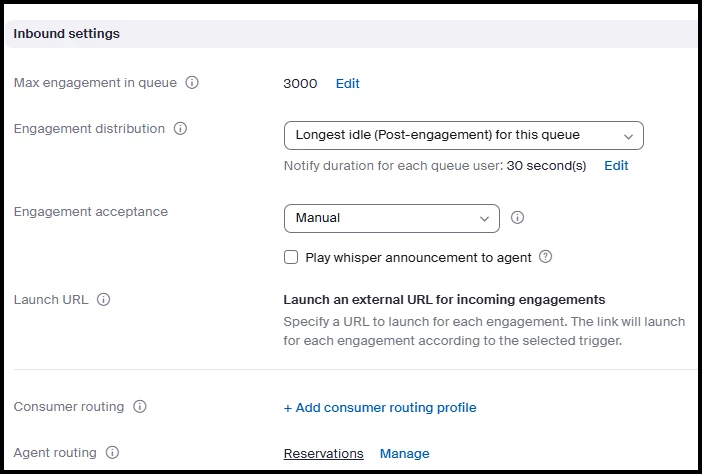
I am coming from Vonage Contact Center where we could easily give each agent a proficiency number with a simple slider in the user admin.  The logic was simple, the highest priority agent received the calls first, if there was a tie then it reverted to longest without a call.  During the Zoom sales pitch we heard the same thing existed.  If it does I sure have not figured out how it works.  All of my agents except two are setup as proficiently level 4, two are set to 1 as they are only needed to take a call when the queue fills.  It seems like engagement distribution is the first step in the process, and that the routing profile using proficiency never kicks in.  Is there another way to do this?
 

Queue settings


Routing Profile


Skill


    1 reply

    aluyun
    Community Manager
    Community Manager
    April 14, 2026

    Hi ​@Wes Stewart,


    We’re glad to have you here. Welcome to Zoom Community!


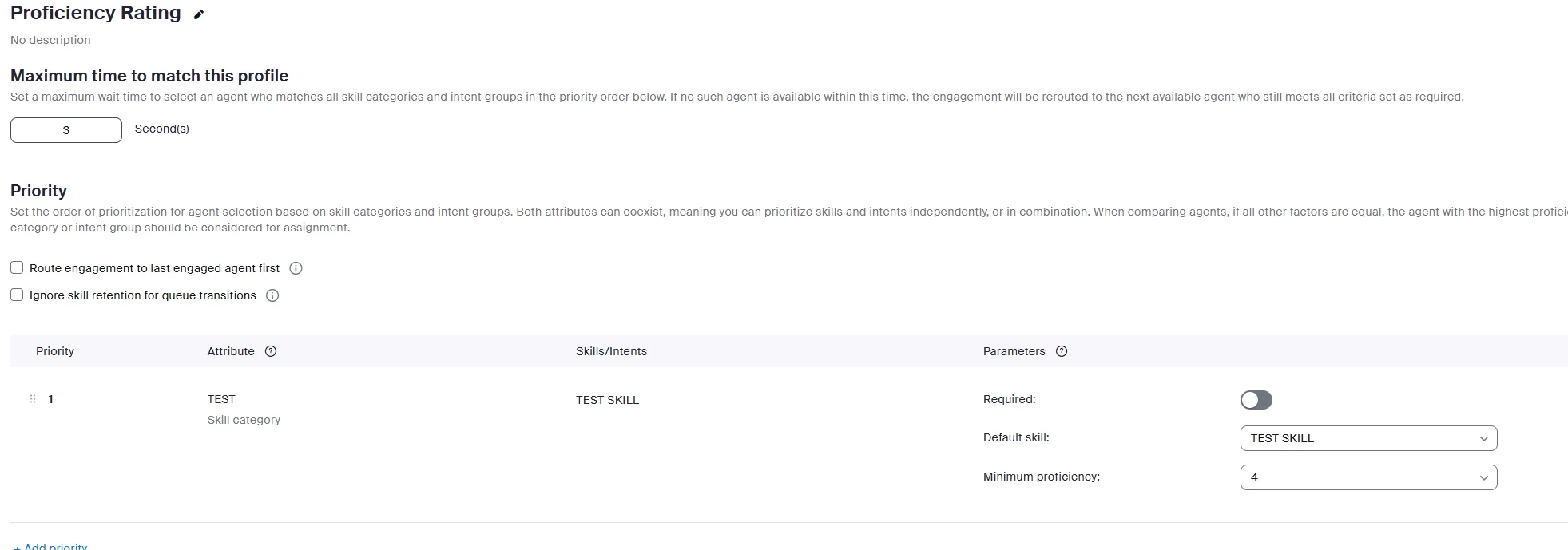
    In Zoom Contact Center, you can prioritize agents by proficiency using routing profiles with prioritized skill categories. Assign higher proficiency ratings to agents for specific skills, and arrange the skill priorities in the routing profile so that higher-ranking skills take precedence. When multiple agents are equally qualified, the system will select the agent with the highest proficiency in the top-priority skill for call assignment.

    If there’s a tie in proficiency, the system will use other criteria (such as longest idle) to determine who receives the call. Make sure your routing profiles are set up with the correct skill priorities and proficiency levels for each agent, and use the up/down arrows to adjust the order of skill priorities before saving your changes.

    You do not need a separate engagement distribution setting—proficiency-based routing is managed through the routing profile configuration.

    Please check out this link to learn more.

    Newcomer
    April 14, 2026

    Thanks for response. In my testing, what you saying to do does not work. I do not have, nor do I want multiple skills.  I have one proficiency based skill.  I have agents logged in that are set at 4, and some set at 1.  Logic would seem to be that calls would go to any logged in agents set at 4, unless they are all busy, then they would go to the 1s.  That is not what is happening.  They instead are going to longest idle, defeating the whole purpose of this setup.  

    Newcomer
    April 14, 2026

    I 100% agree.  This is what was explained to me as how it would work and it doesn’t.  The only thing the system takes into account is longest idle.