Blocking Default Dashboards | Community
Skip to main content
Newcomer
April 10, 2026

Blocking Default Dashboards

  • April 10, 2026
  • 1 reply
  • 20 views

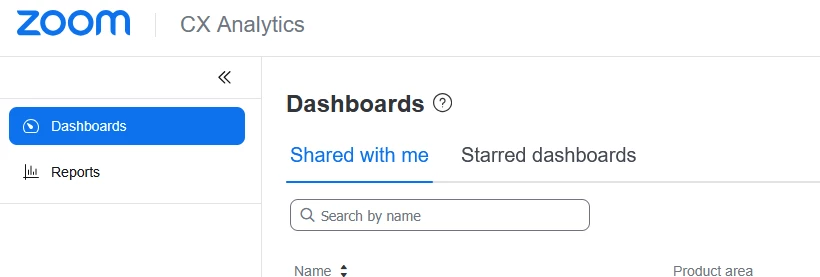
Just went live this week on ZCC.  I need to give my agents access to a dashboard for their queue.  I find it hard to believe there is no way to block the Default Supervisor Dashboard.  There is information on that dashboard that we don’t want agents seeing such as proficiency.  

    1 reply

    April 10, 2026

    You cant "hide" the supervisor dashboard. However, if in the role for the agent under cx analytics if you check the box to only see self or queues they are apart of it will hide all other information and the widgets will be blank. 

    Newcomer
    April 10, 2026

    I have it set to only provide access to the queue they are in.  Because of that the widgets are not blank, they show data for their queue including the agent list.   This is contact center 101, I can’t believe I cannot hide proprietary data.  

    April 10, 2026
    Under Agent data make sure Self is selected. I was able to hide all other agent data this way but still be able for them to see queue data. Not sure if this is 100% what you are referring to though.