

Cannot change user type | Community
Skip to main content
Newcomer
May 9, 2023
Question

Cannot change user type
  • May 9, 2023
  • 1 reply
  • 2 views

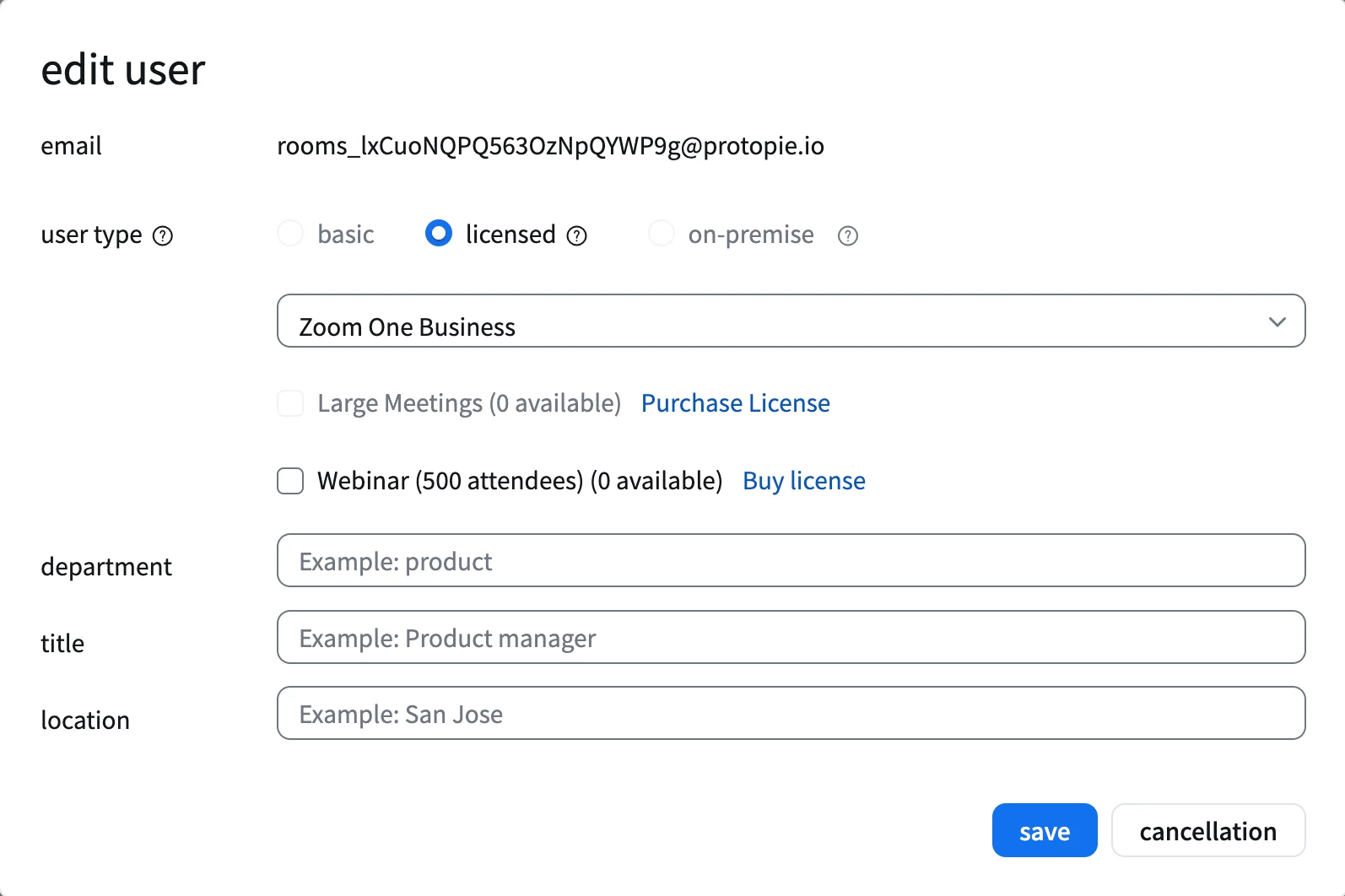
I have administrator privileges, but I cannot remove the permissions of a regular user or delete the user.

Is there any way to delete the user with these limitations?

(The button to select the license permissions as default is currently disabled.)

I tried contacting the customer service through real-time chat, but they only gave me strange answers that they cannot provide assistance.

1 reply

Community Manager
May 15, 2023

Hi @JinJin here are the prerequisites for using role management:

  • An Enterprise, Business, Education or Pro plan
  • For setting the initial role, you must be the account owner
  • Account owner or admin with the privileges or user with role management permissions

Note: Since only the owner can initially add a user role, Zoom recommends that the owner adds a role that allows at least one other person to manage user roles.


As i recommend, the account owner should create the role that allows at least one other person to manage user roles. As the account owner, they will need to add the role at https://zoom.us/role#/ within the role the owner created for i.e., "admin-roles"; the owner will need to add you to the role, as well ensuring within user and permission management the user has full view/edit access on the entire account.