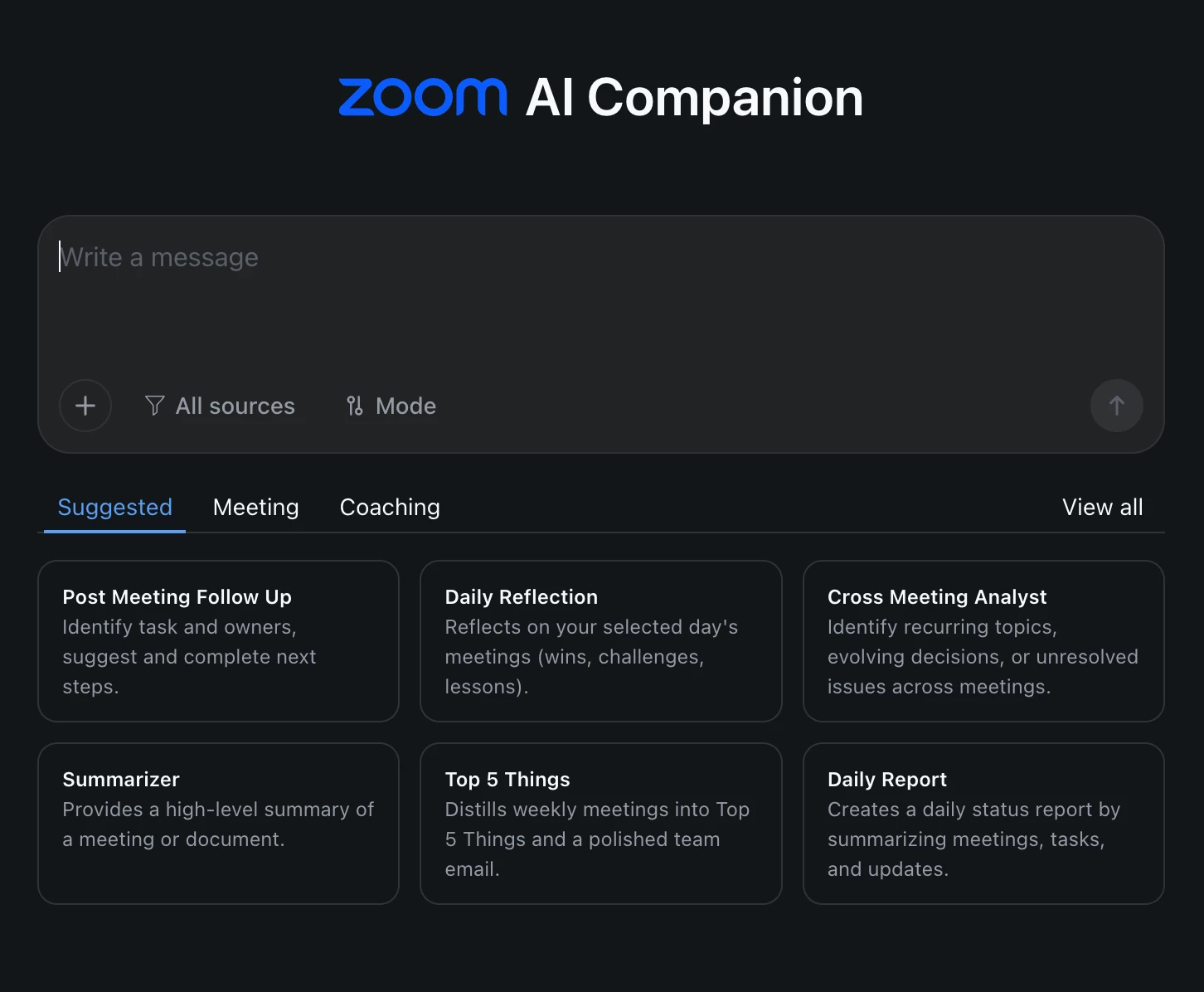
Why Using Zoom AI Companion is the Smartest Move for Faster, More Accurate Support
We’ve all been there—facing a sudden Zoom issue minutes before an important meeting. Maybe your audio isn’t connecting, or your recording didn’t save where you expected. The instinct for many users is to turn to a generic AI tool for help. But what if the fastest, most accurate answers were already built right into your Zoom experience?
That’s exactly what Zoom AI Companion brings to the table—a powerful, integrated assistant designed specifically to understand Zoom inside and out.
Story Time:
A customer by the name of Sarah, a project manager, had a big client call coming up. She suddenly noticed her Zoom background settings were not working as usual. In a rush, she asked a popular external AI tool for help—but the answers were vague, with steps that didn’t match Zoom’s current interface. Frustrated, she remembered my advice that one time we had an Account review— “Ask Zoom AI Companion”.
Within seconds, the Companion recognized her issue, provided step-by-step guidance tailored to her Zoom version, and even linked her directly to the right support documentation. Sarah fixed her background before the meeting started—with time to spare.
Result: Less stress, more confidence, and a smooth meeting experience.
Why Use Zoom AI Companion for Zoom Questions?
✅ Purpose-Built Expertise: Unlike general AI tools, Zoom AI Companion is trained specifically on Zoom’s ecosystem—so it speaks your language.
✅ Real-Time Accuracy: It’s always up to date with the latest Zoom features, updates, and best practices, giving you reliable and relevant answers.
✅ Integrated Experience: No need to switch between tabs or apps. The AI Companion lives within your Zoom environment, making problem-solving seamless.
✅ Faster Resolutions: Whether you’re setting up a meeting, troubleshooting audio, or optimizing your workspace, you get clear, actionable guidance instantly.
Using Zoom AI Companion doesn’t just save time—it enhances your overall experience. It’s like having a Zoom expert right beside you, ready to guide you through any question or challenge.
So next time you find yourself searching for help with a Zoom feature, skip the guesswork. Ask Zoom AI Companion first. You’ll be surprised by how quickly and accurately your concerns are resolved.
Get more done with AI Companion 3.0, now available on the web. Use AI Companion on the web (https://ai.zoom.us) directly in your browser to ask questions, retrieve information from your Zoom content or connected sources and collaborate on writing projects — all with an AI-first experience.