
cancel
Showing results for 
Search instead for 
Did you mean: 
The Zoom Community will be placed in read-only mode January 9th, 2026 through January 22nd, 2026 to deliver you a new and improved community experience!

The community will still be accessible, however, the creation of any new discussions or replies will be temporarily unavailable. We appreciate your patience during this time.

💎Pro Tip | “Translate to” in Docs AI Companion

sofix001
Zoom Employee
Zoom Employee

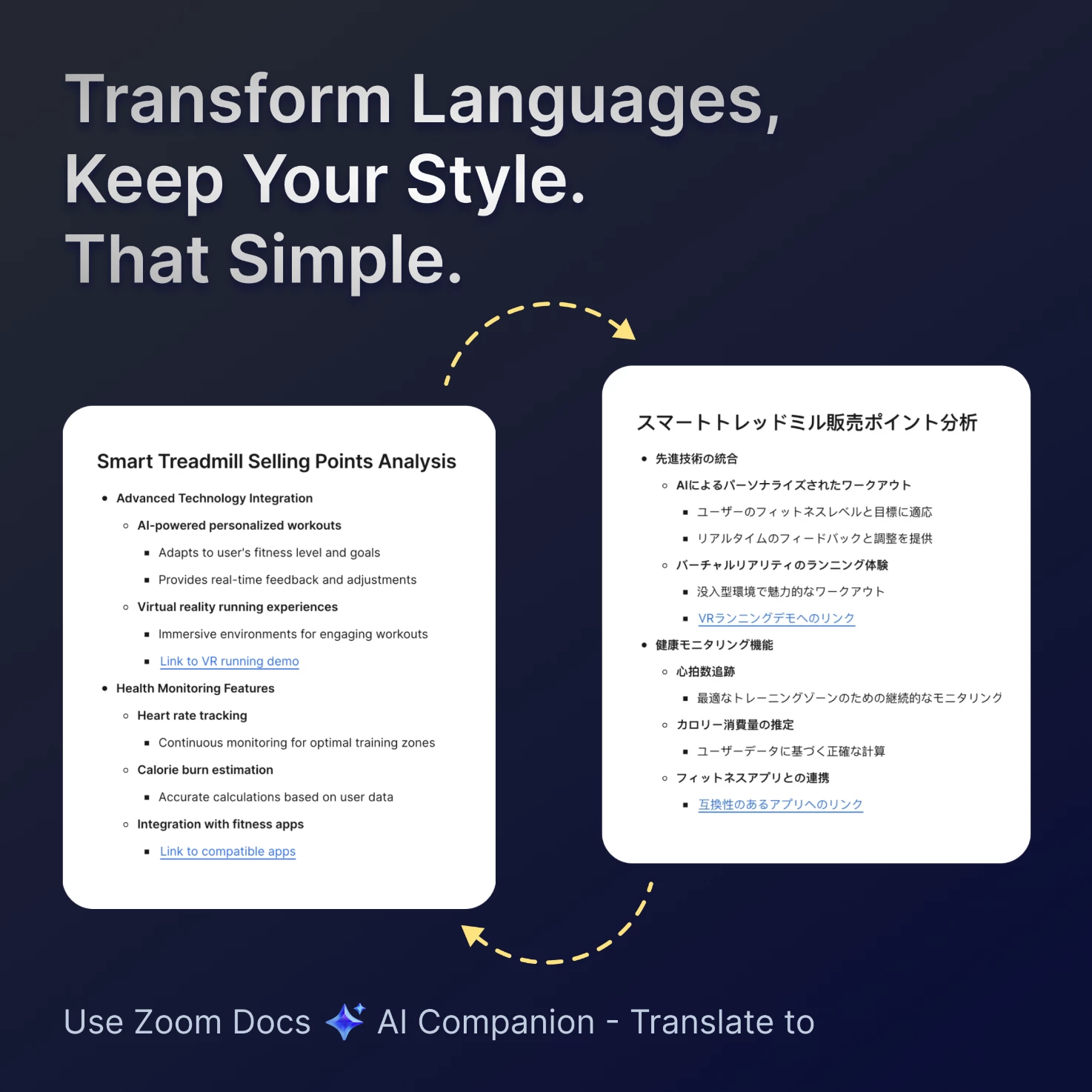
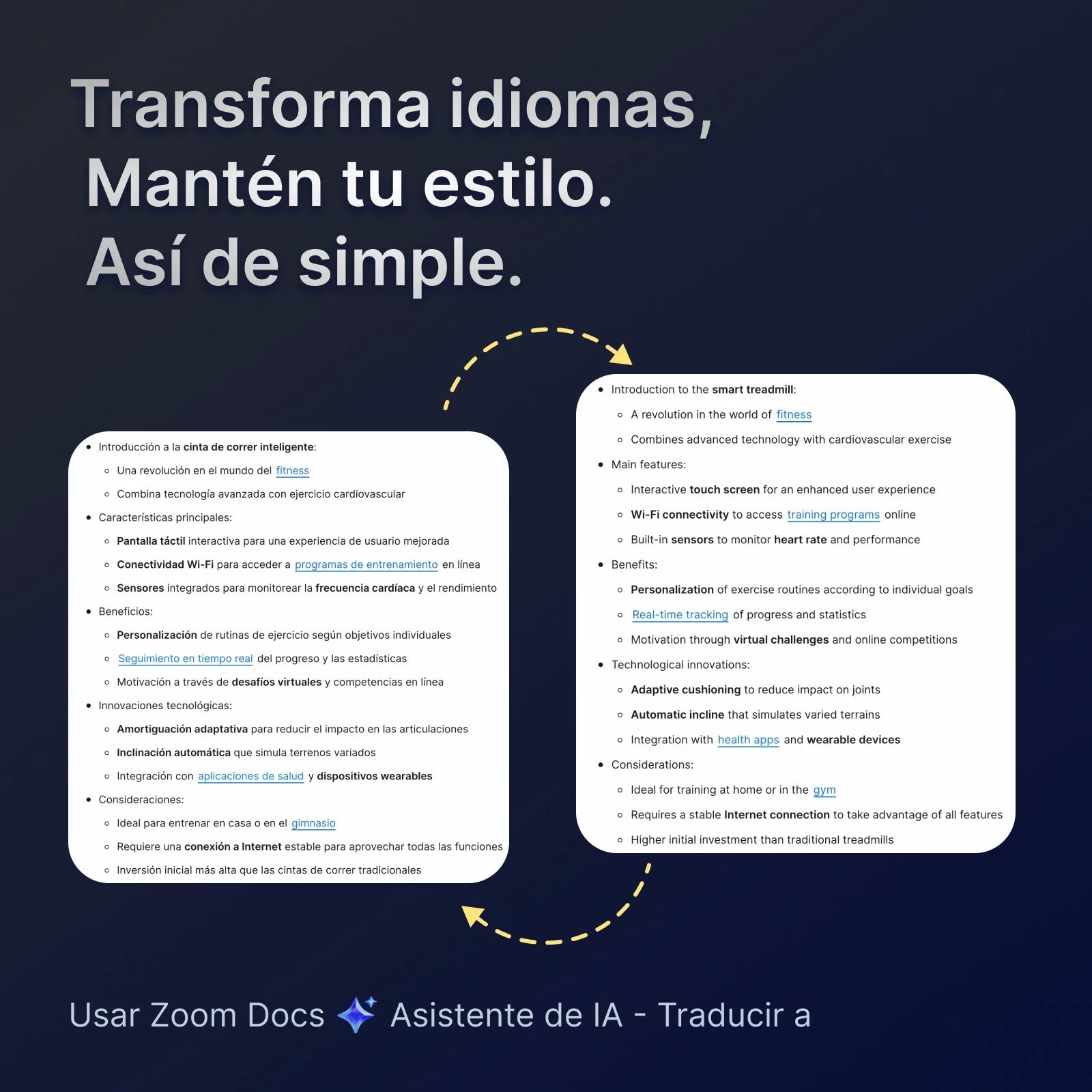
💎Zoom Docs AIC - "Translate to"


  • Keeps Styles Intact: Translates text while preserving the original formatting.
  • Built-In Convenience: Works seamlessly within Zoom Docs, no need to switch tools.
  • What's different: Delivers formatting accuracy unmatched by ChatGPT, Notion, or Google Translate.


    How to use this feature?

    Select the text -> select AI Companion star icon -> click “Translate to"


    👇Drop a note in below to let us know what you think of it!


    sofix001_2-1733372407222.jpeg

    sofix001_0-1733372673745.png


2 REPLIES 2

Frank_TB
Community Champion | Customer

Is this a current feature or an upcoming feature?


Can you link to a support article that explains more?


Thanks.

sofix001
Zoom Employee
Zoom Employee

Hi @Frank_TB , please you can find how to use 'Translate to' from Docs AI Companion from here: https://support.zoom.com/hc/en/article?id=zm_kb&sysparm_article=KB0076449

Soph

Zoom Docs PM